
Digital TOP Planner for January 2026 - December 2026
Digital TOP Planner for January 2026 - December 2026
Highly Portable
With your planner on a tablet, you can easily take it anywhere you go. You can even access your information without wi-fi.
Fun to Use
The options are endless! Pick your writing colors, add digital stickers and even images for a fully personalized look.
Syncs Across Devices
With iCloud or Dropbox, you can sync your digital planner across multiple devices! You can even access from your Mac or PC.
Couldn't load pickup availability
Share
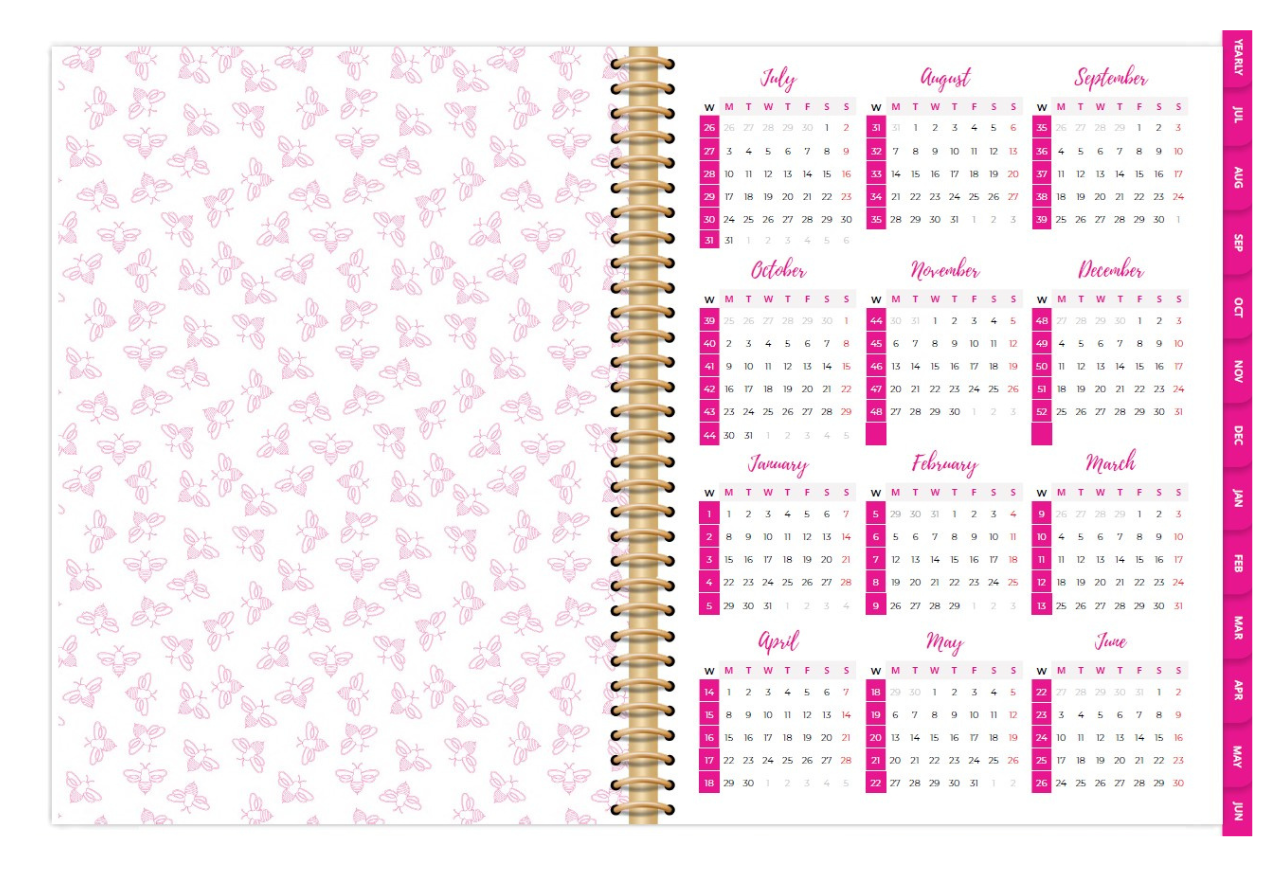
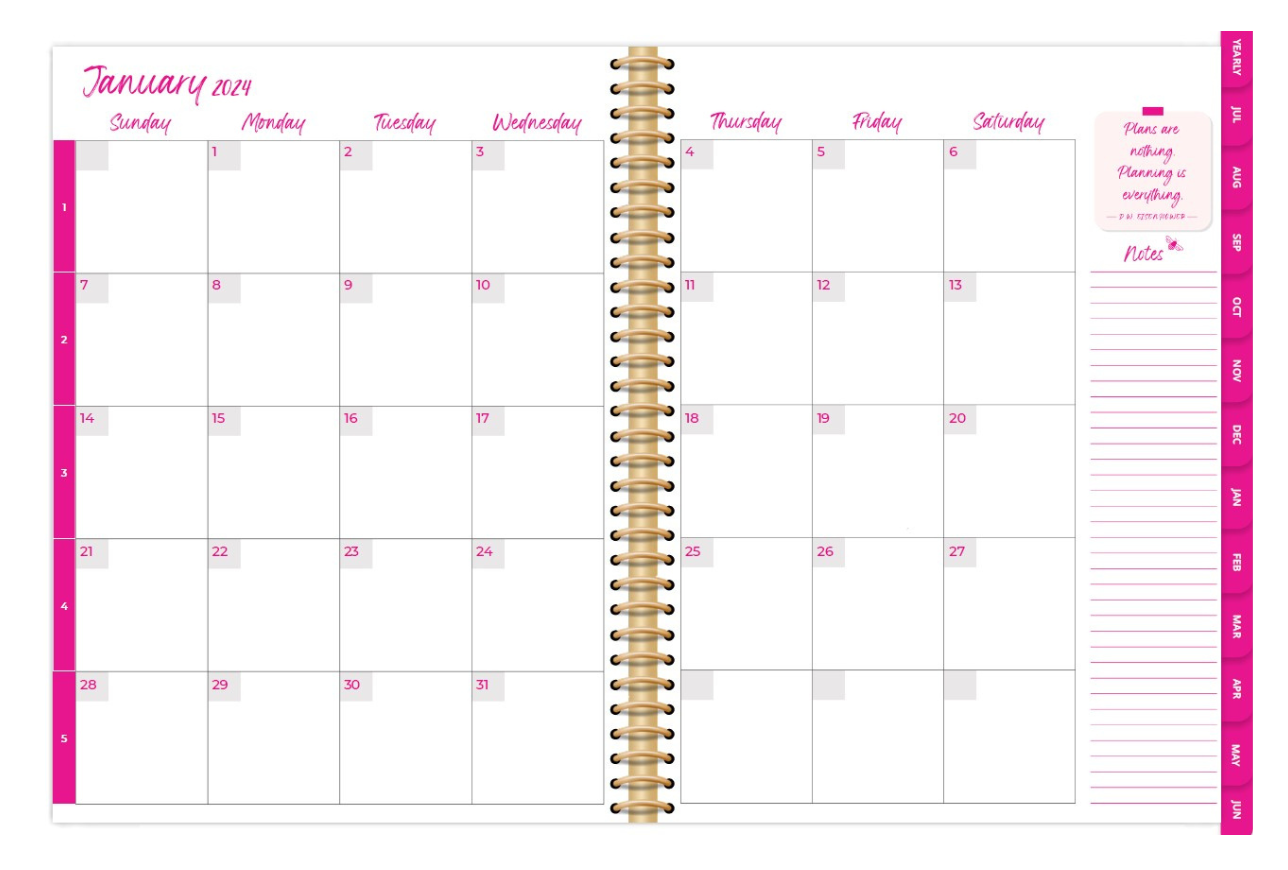
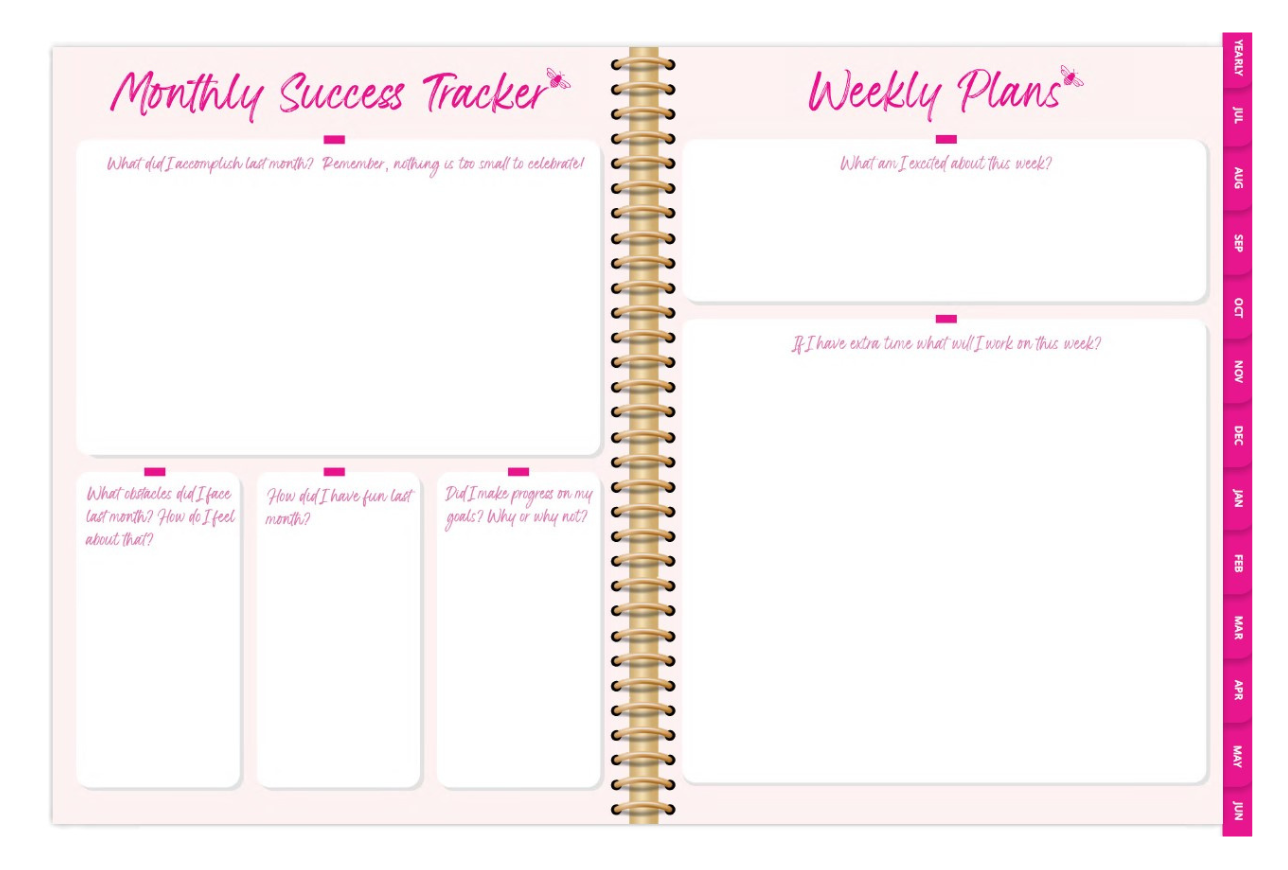
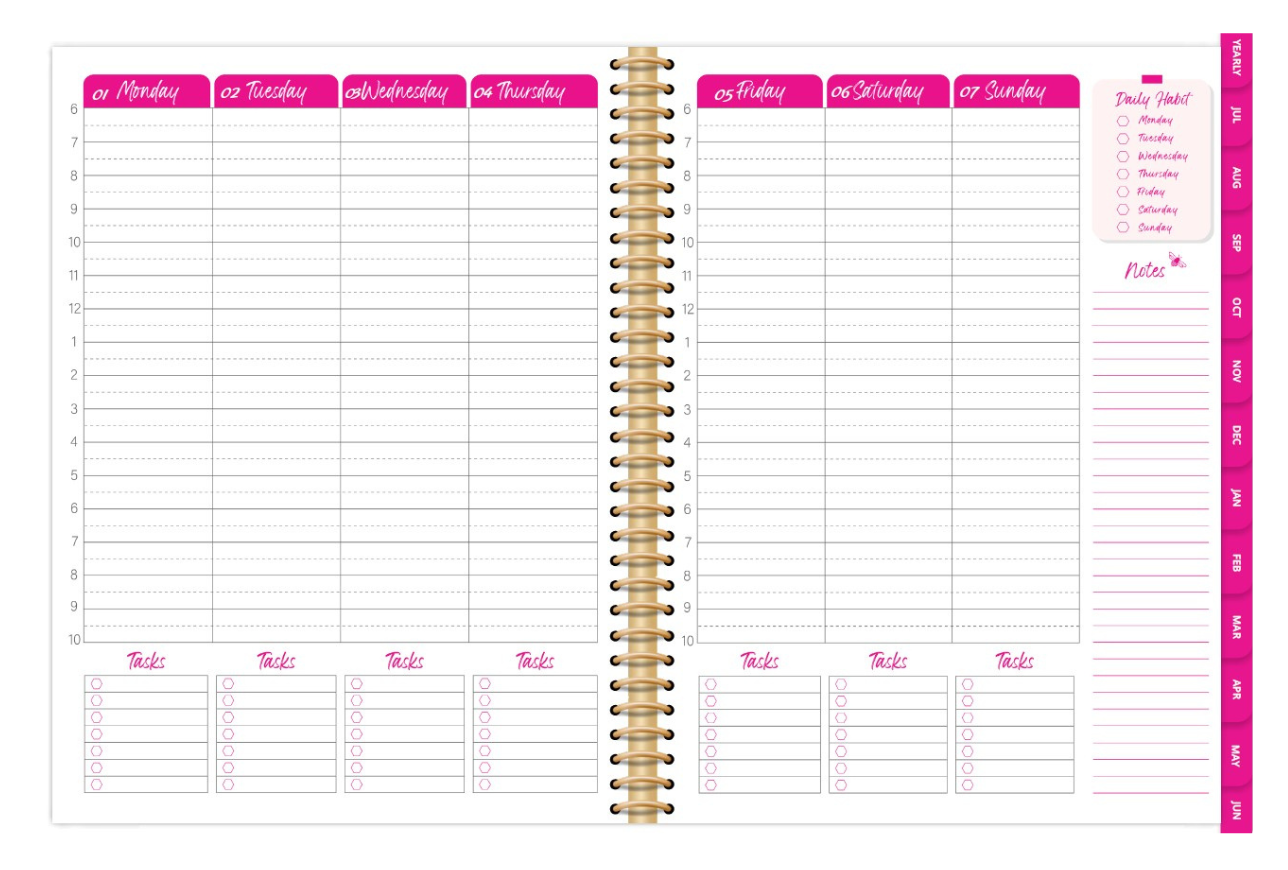
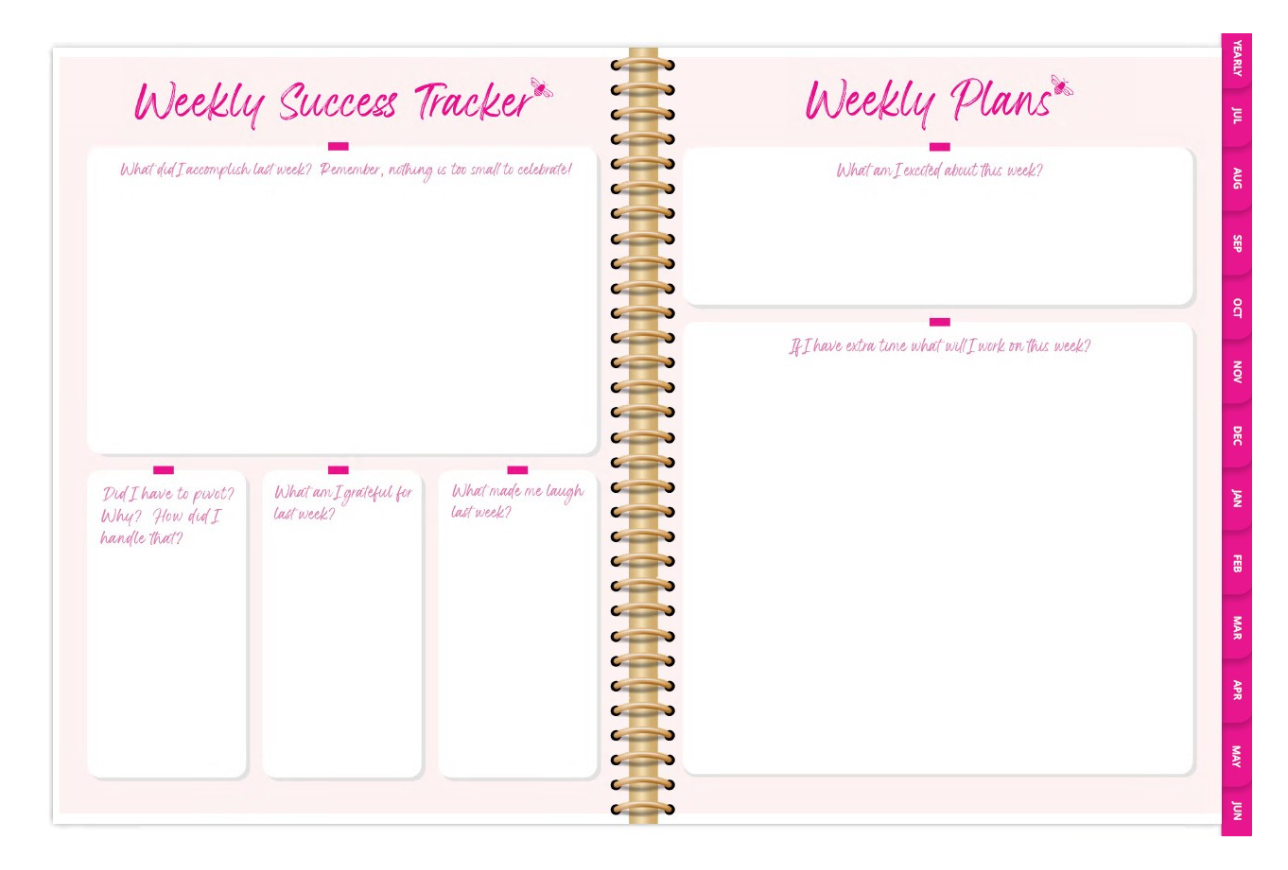
I've been trying to use my ipad more, so this year I opted for a digital planner instead of paper. I use notability for all my pdf editing and this works seamlessly with that app. I like the convenience of the links to be able to navigate to specific months and even weeks from anywhere in the planner. I also love that the year and the weeks are set up as Monday starts since that's a non-negotiable for me. My only complaint is that the months are set up as Sunday starts. This is very confusing for me, so I had to re-design each month for the weeks to start on Monday. I really hope for future years that this can either be updated to match the weeks and year view or that both a Sunday start and Monday start option can be offered.
I currently keep most of my To Do lists on my iPad, so I thought the digital planner would be best for me. I didn't realise that:
- I'd have to download (and pay for) a 3rd party app to make this work
- To use this app as intended, I'd need an apple pencil!
(There was a typing option - which has now dissapeared from the tool bar - but when I choose this all the words appeared at the top left of the page, superimposed on the header. I couldn't find a way to click on a day and type directly in the corect square (like you would with iCal)
I'm sure I'll fathom it out eventually, but I've just had to add "learn how to use app" on to my overflowing To Do list! :-(
I have only have only been using my planner a couple weeks and already I am feeling much less stressed. Would definitely recommend the TOP program along with One Notebook.
Surprised to see this was a January to December calendar. The one I purchased last year was July 2024 to June 2025. So I'm not getting six months of use out of my old calendar.
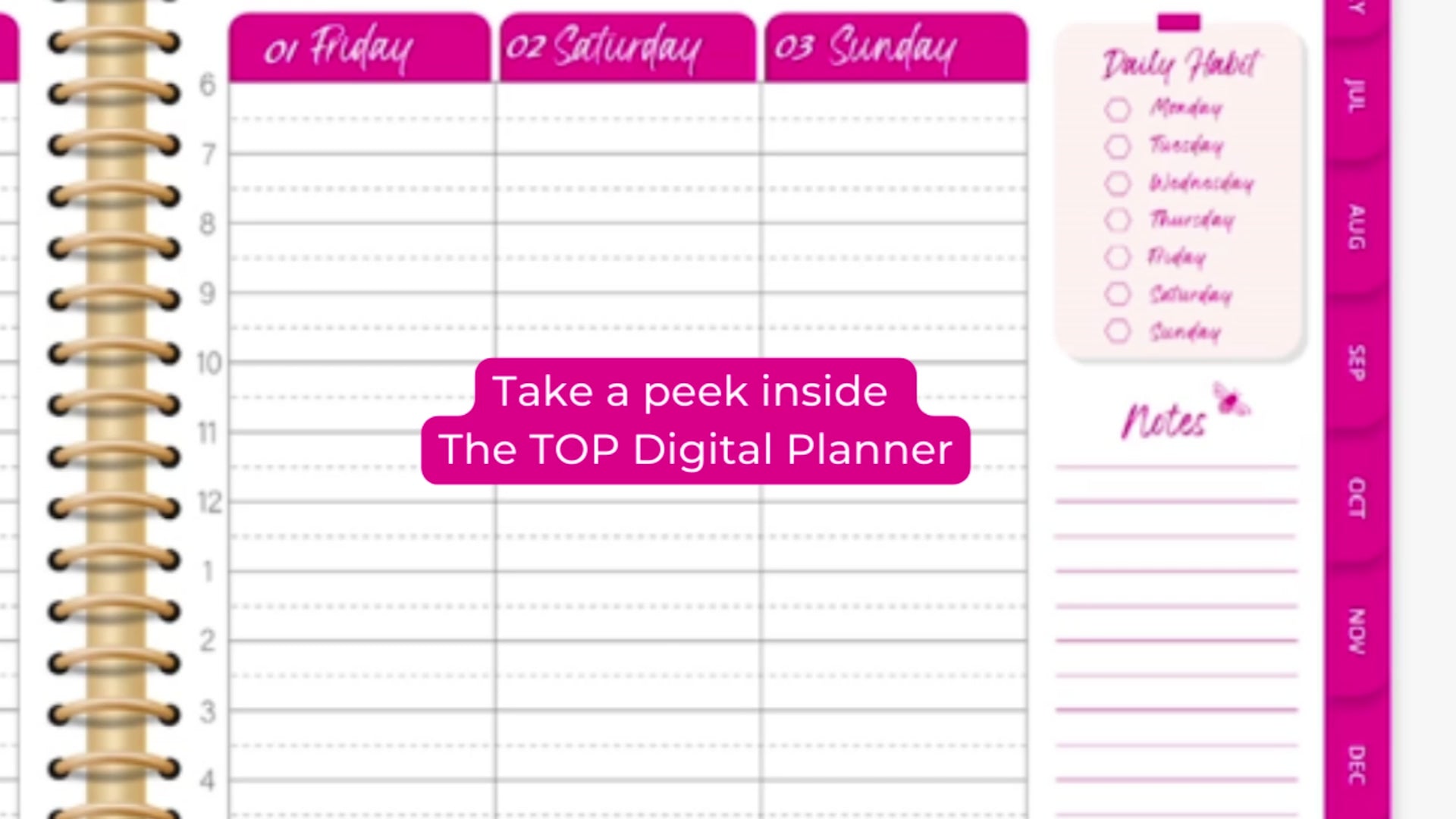
I'm also disappointed that this planner no longer has the look of a physical planner with the spiral rings in the middle. Without that divider, it's hard to know what day of the week it is and the time when you are scheduling things later in the week. As a result, I've resorted to putting the days of the week for each task column so that I don't have to keep scrolling up on my iPad to make sure I'm on the right day. It is my hope that for 2026, the planner design goes back to having the spiral rings in the middle and the times for the later in the week days to make planning easier and more like a paper planner.
